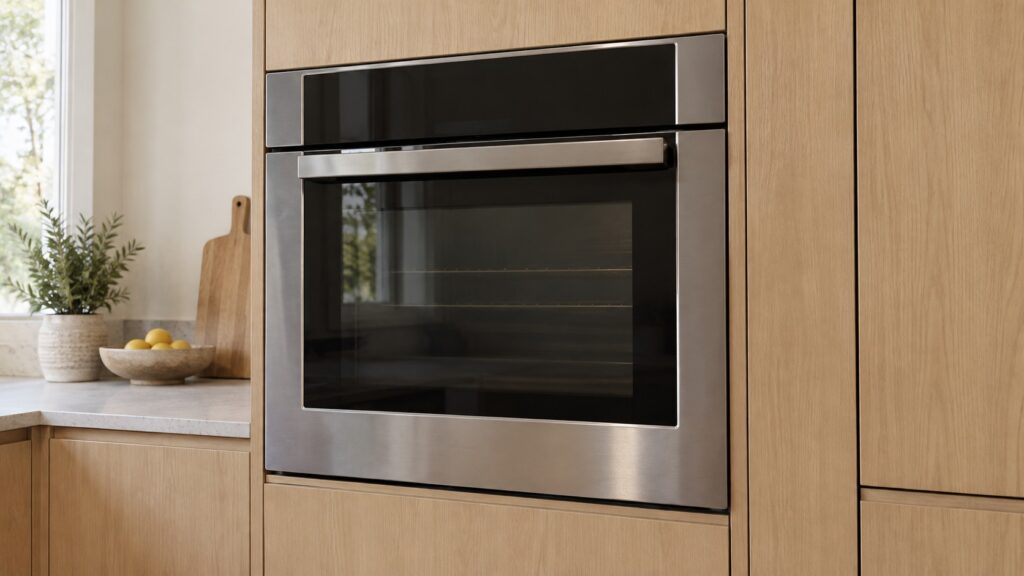
When a Bosch oven control panel does not respond, the cause is often not a failed board. A child lock or a showroom (demo) mode left on from delivery, a touch area that is wet or greasy, or a brief electronic hiccup that a full power-down clears are the first things to rule out. If the panel still ignores you after that, or the display shows a code such as F43, F41 or E100, the fault is inside the control electronics and needs a technician. This guide takes the checks in the safe order and stops where the safe part ends.
Why is my Bosch oven control panel not responding?
Three families of cause sit behind the symptom. The first is a setting: a child lock engaged by accident makes the controls unresponsive, and a demo or showroom mode makes an oven light up and never heat. Our guide to repairing or replacing a Bosch oven says a share of the ovens people ask us to price for replacement are not broken for exactly these reasons.
The second is the surface: a panel that ignores a finger is normally wet or greasy rather than broken. The third is the electronics behind the panel, where a keypad, a display board or the main control board has failed or stopped talking. Only the third needs a repair visit, and it is the one to think about last.
Which Bosch ovens have touch controls?
Several of our model pages describe touch interfaces. The HBL8451UC lists SteelTouch controls, a brushed stainless steel interface that is part of the oven fascia. The HBL8443UC, HBL8454UC, HBL8753UC and HBN8451UC list TFT color touch displays, and so do the Benchmark HBLP451LUC and HBLP651LUC. Some models, including the HBL3551UC and HBL5451UC, list heavy-duty metal knobs instead.
If you are not sure which you have, the model number on the rating plate tells you, and our model pages show the spec. The layout differs, but the first checks below are the same for all of them.
What can you safely check first?
Work through these in order, and stop at any point where the oven starts responding.
Look for a lock. If the display shows a lock symbol or the oven lights up but ignores you, find the lock or showroom mode in your owner’s manual. The way to turn them off differs by model, so follow the manual for your oven and do not guess at button combinations.
Dry and clean the panel. Dry your hands, wipe the panel with a soft dry cloth and, if there is grease, a cloth dampened with a little glass cleaner. Our range cleaning guide advises spraying glass cleaner onto a cloth, not directly onto the panel, because liquid dripping behind touch controls can cause erratic behavior or short circuits.
Switch off the oven’s breaker at the panel for a few minutes and then restore it. Our range control board guide, written for ranges, describes cutting power at the breaker for five minutes, rather than relying on a control lock or the clock reset, because many communication faults are latched and only a full power-down clears them. We are applying that idea to a wall oven, so if your manual gives a different reset, follow the manual. Stand on a dry floor to do it.
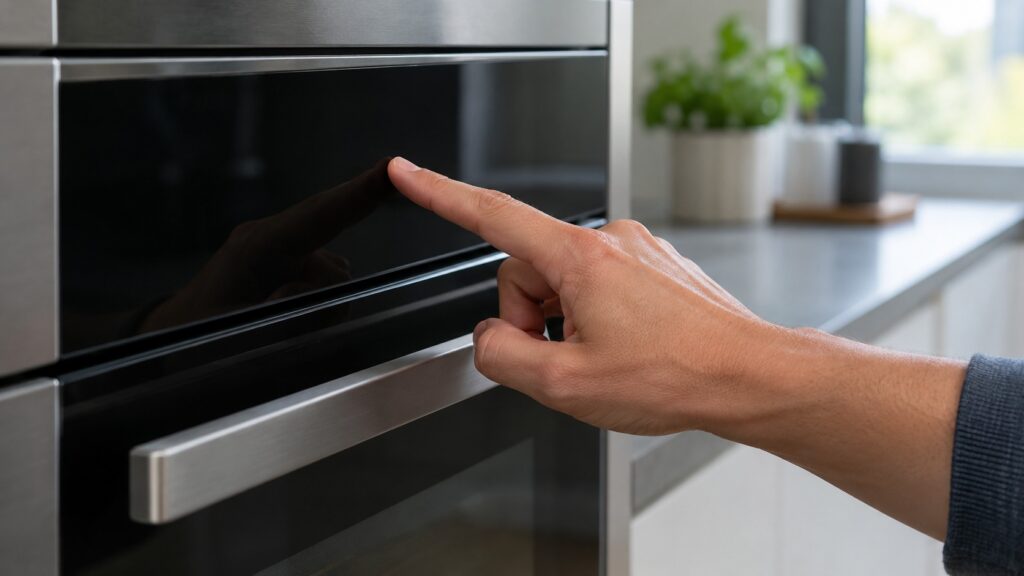
What do F43, F41 and E100 mean on a Bosch oven?
These three codes explain most panels that fail for good. F43 is listed on our site as a keypad or touchpad problem: the control board has detected a stuck key, a short in the membrane or an input panel that does not respond. Our F43 page lists the touchpad or keypad, the user interface board and the control board as the components involved, and says the error can appear intermittently after the oven heats up. See the Bosch F43 page.
F41 is a control board communication error: the main control board and the user interface board have lost contact, or a component on one has failed. Our F41 page says it can leave the oven unresponsive and unable to heat. E100 is a general control board failure, listed on our E100 page as a main board internal error. All three are marked as needing a technician.
Codes differ by model, so check the manual for the exact wording on your oven. They are signals to stop troubleshooting, not to dig deeper.
What should you not do?
Do not remove the control panel, pull the oven out of the cabinet or unplug ribbon cables. The control board sits behind the panel with mains voltage on its relay side, and a built-in oven is often above head height. Do not press a button over and over, and do not use tools or sharp objects on a touch panel.
If the oven is heating and you cannot turn it off, switch off the oven’s breaker at the panel while standing on a dry floor, and leave it off until a technician has looked at it. If you smell burning or see sparks, do the same and do not use the oven.
When is it worth repairing the panel or board?
A touchpad, a display or a control board is a part swap, and a part swap is usually far cheaper than a new built-in oven. That changes if the oven is old, if the board is hard to get for that series or if other faults are stacking up. Our oven repair-or-replace guide explains that the decision turns on whether the fault is a heating component, a door component, a sensor or the board, and that none of those can be answered over the phone.
We are an independent repair company, not the manufacturer. A Bosch oven repair visit starts with a diagnosis, and we confirm the estimate before any work begins.