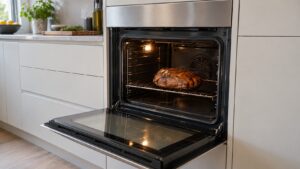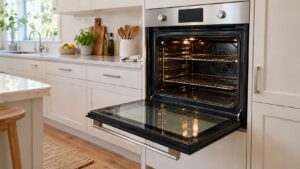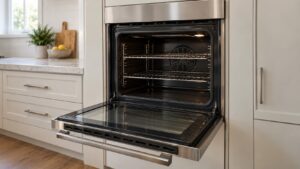
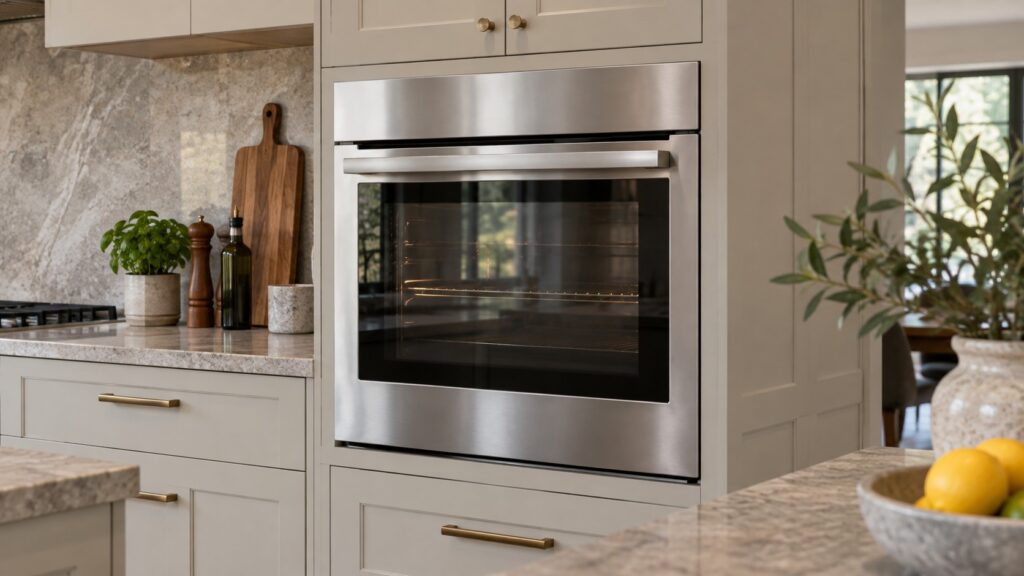
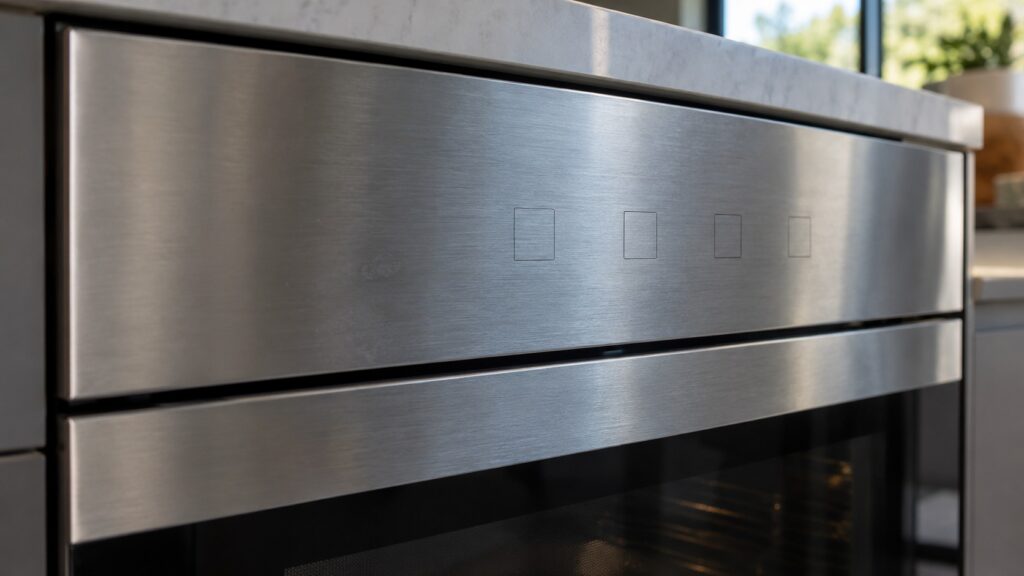
Bosch SteelTouch is the name Bosch uses for a brushed stainless steel control panel that sits flush with the oven fascia in place of conventional knobs. AutoProbe is a separate feature, a meat thermometer that plugs into the oven wall and tells you through Home Connect when the food reaches its target temperature. The two terms show up together on some wall ovens, but they describe different things: one is how you control the oven, the other is a tool for roasting.
What does Bosch SteelTouch mean?
SteelTouch is a control style. Our model pages describe it as a brushed stainless steel interface that integrates with the oven fascia for a sleek, modern look. On the Benchmark induction ranges the same page says SteelTouch controls replace traditional knobs with a metal interface. So when you see the word on a spec sheet, read it as “no row of protruding knobs, a flat steel control surface instead”.
That is all the site says about how it behaves, so we will not guess at the rest. How a particular SteelTouch panel responds to a press, what its symbols look like and how you set a time or a mode are all things your owner’s manual shows for your exact model. If you are comparing ovens, treat SteelTouch as a styling and control choice, not as a performance feature.
Which Bosch models list SteelTouch?
Four model pages on this site name it. The HBL8451UC is an 800 Series 30-inch single wall oven with SteelTouch controls. The HBL5651UC is a 500 Series 30-inch double wall oven with a SteelTouch control panel. Two Benchmark induction ranges, the HIIP057U and the HSIP056U, list SteelTouch controls as well. Other wall ovens on the site are described with different control styles, which is the next section. A model that is not on this list may still have a similar panel under another name, so the model page and the manual decide.
Check your own model number before assuming, because a neighboring number can have a different control panel. For example, the HBL5751UC, a 500 Series 27-inch double wall oven, is described on its model page with heavy-duty metal knobs, not SteelTouch.
What is Bosch AutoProbe?
AutoProbe is a meat thermometer built for the oven. According to the HBL8451UC model page, it plugs into the oven wall, monitors the internal temperature of the food and alerts you through Home Connect when the target is reached. The HBN8451UC page, a 27-inch 800 Series oven, describes it the same way: it monitors internal temperatures and alerts you when the food reaches the target.
Two things follow from that description. First, AutoProbe is tied to Home Connect, so the alert relies on the oven being connected. Second, it is a probe, so its job is to measure the food rather than the oven. The oven cavity temperature is controlled separately, and our guide to calibrating your Bosch oven temperature deals with that question.
The HGI8046UC gas range page also mentions a meat probe for precision roasting. That is a range, not a wall oven, and the page does not use the AutoProbe name, so we treat it as a related feature, not as the same product.
How do SteelTouch and AutoProbe differ from other Bosch control terms?
Bosch ovens on this site are described in three broad ways. Some use heavy-duty metal knobs, such as the HBL3551UC, a 300 Series single oven, which the page calls a straightforward oven without the complexity of smart features. Some use a TFT color touch display, such as the HBN8451UC and the HSLP451UC steam convection oven. And some use SteelTouch. The terms are not interchangeable: a TFT display is a screen, SteelTouch is a steel control surface, and a knob is a knob.
Our Bosch oven hidden features guide and how a Bosch convection oven works cover the cooking side that sits behind any of these control styles.
What if the control panel or the probe stops working?
A flat control surface collects fingerprints and spills, so a dirty panel is the first thing to rule out. Our range cleaning guide advises spraying glass cleaner onto a cloth, not directly onto a panel, because liquid running behind touch controls can cause erratic behavior. The same habit makes sense for any flat panel. Wipe it dry and try again.
If the panel is dark, ignores touches or shows a code, do not open the oven or take off any panel. That is a technician’s job. Look the code up in our Bosch oven error codes list and note the exact wording before you call. If the probe does not seem to register, check that it is plugged in as the manual describes and that the oven is connected to Home Connect. If it still does not work, a visit is the next step, and our Bosch oven repair page explains how it works.
When you shop or talk to a technician, give the full model number and say which control style you have: knobs, a touch display or a SteelTouch panel. That one detail narrows down which manual applies and saves a round of questions. The model number is on the rating plate, and our model pages let you confirm what a given number includes before you rely on a feature name.